


Partnering with ambitious brands across the globe since 2018
THE PROBLEM
Accessibility gaps are easy to miss.
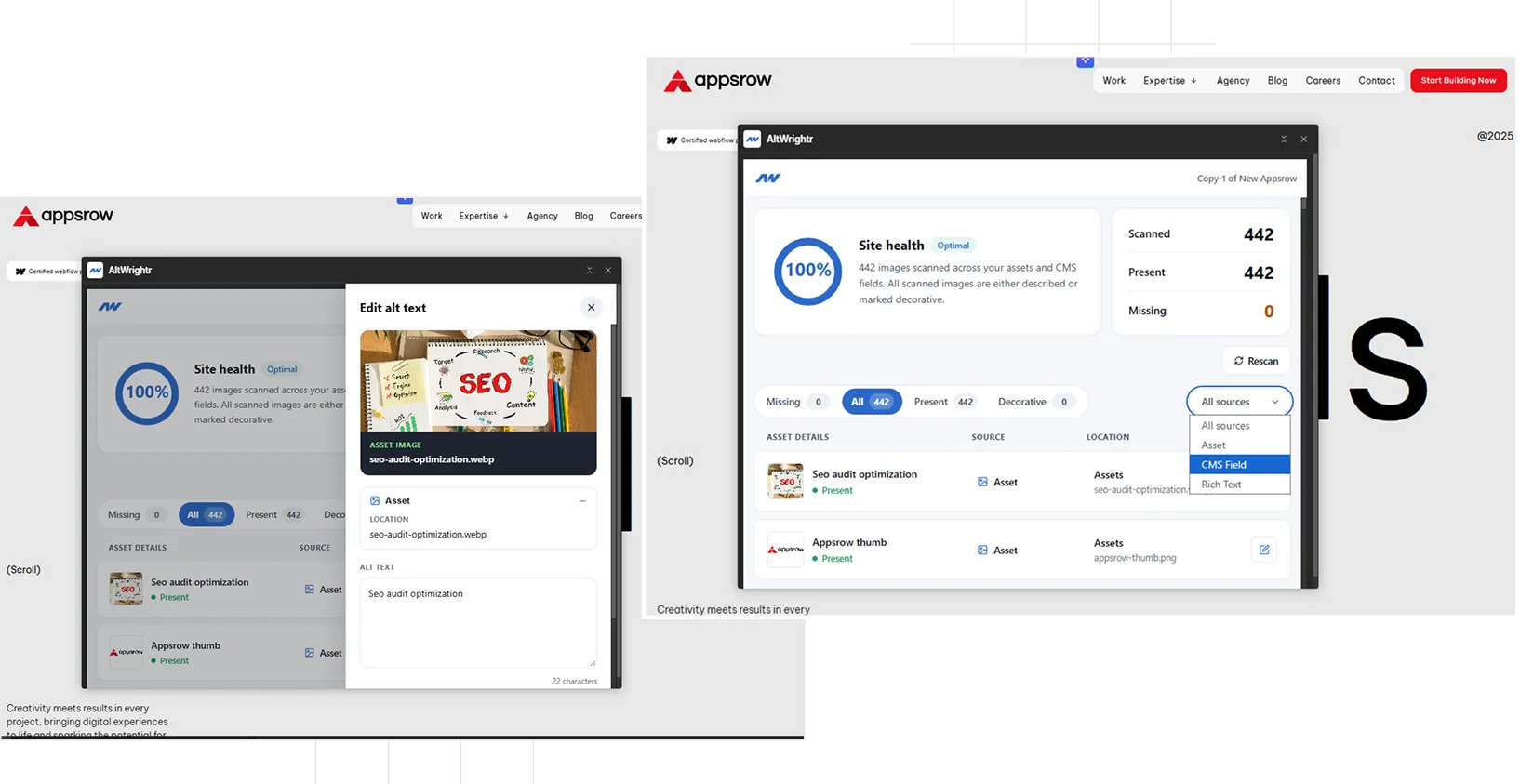
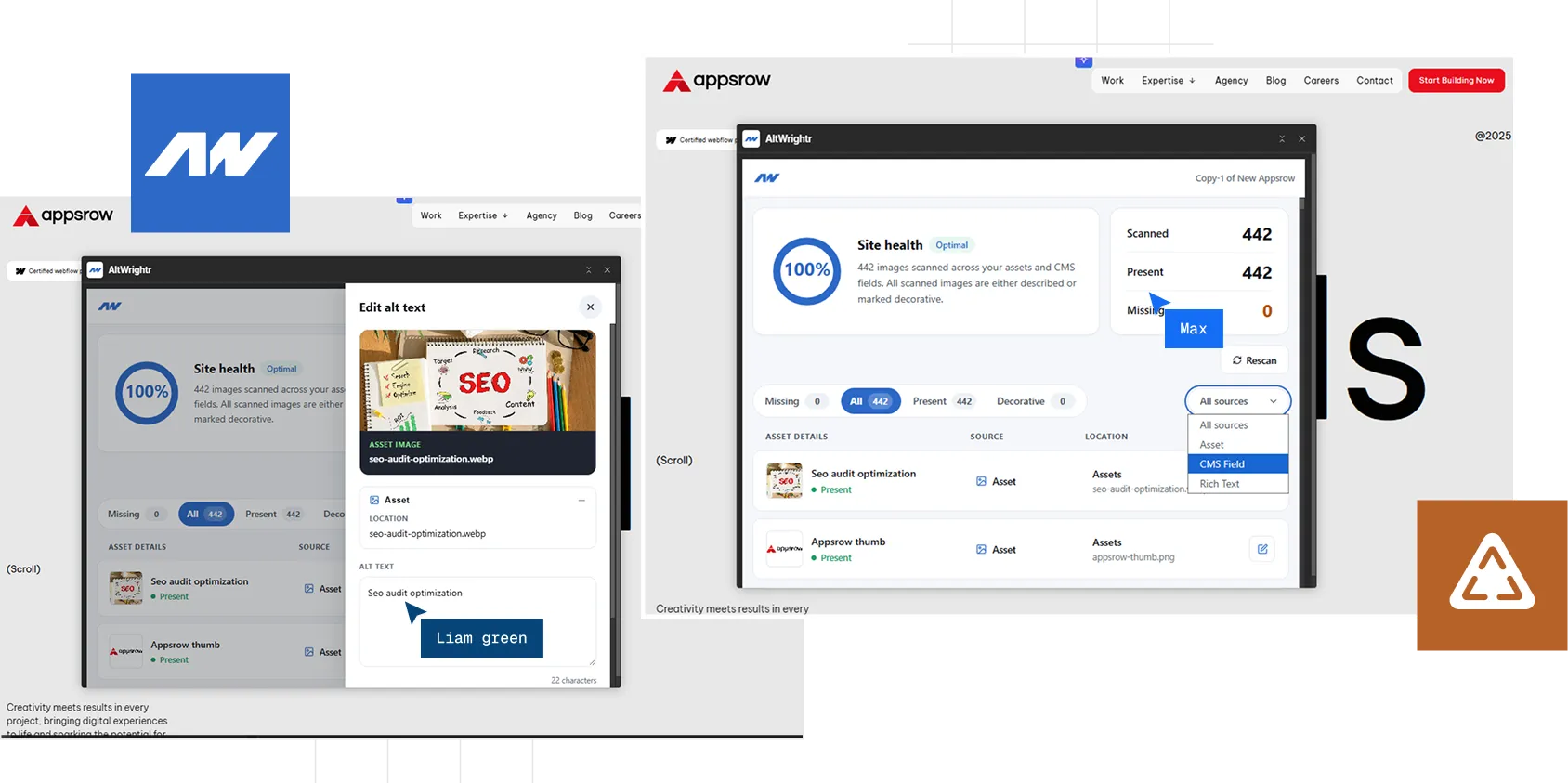
A missing alt text can hide anywhere in a Webflow project from your asset library to CMS content and embedded Rich Text images.
How it works
Four steps to cleaner alt text.
STEP 1
Install AltWrightr
Add AltWrightr from Webflow Apps & Integrations and authorize the sites you manage.
STEP 2
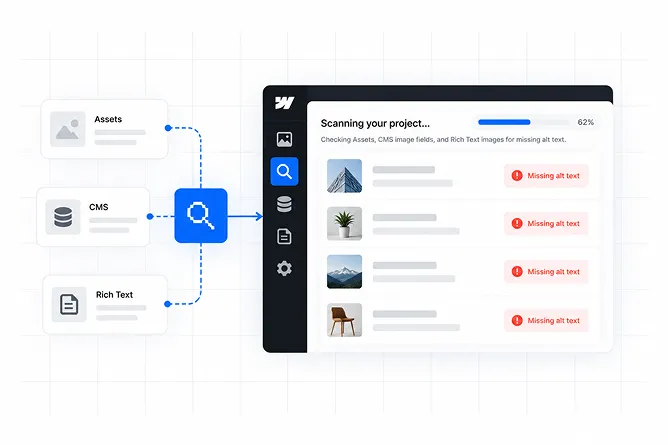
Scan your project
Scan Assets, CMS image fields, and Rich Text to find missing alt text.
STEP 3
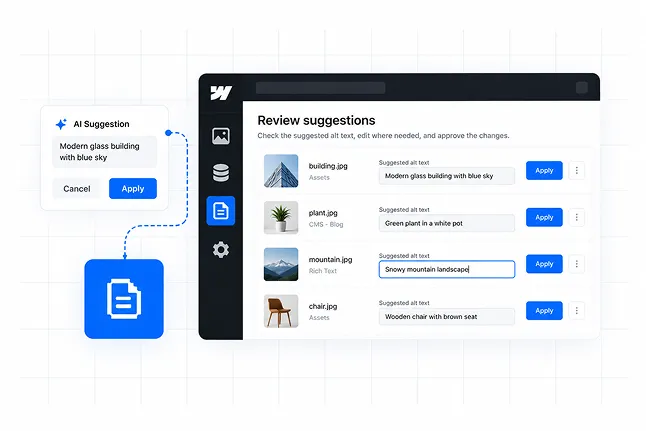
Review suggestions
Review suggested alt text, edit where needed, and approve the changes.
STEP 4
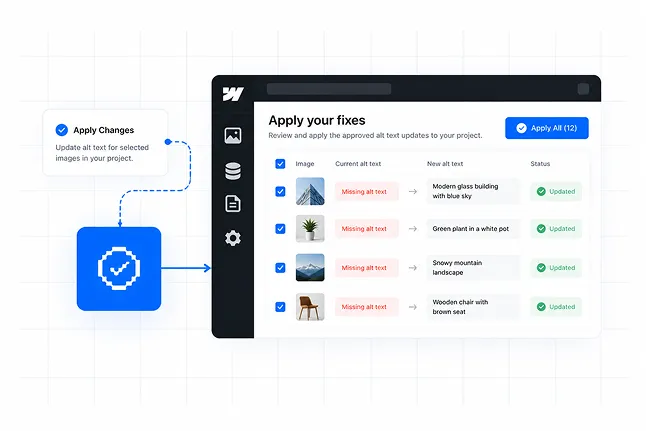
Apply your fixes
Apply the approved updates and make your Webflow project more accessible.
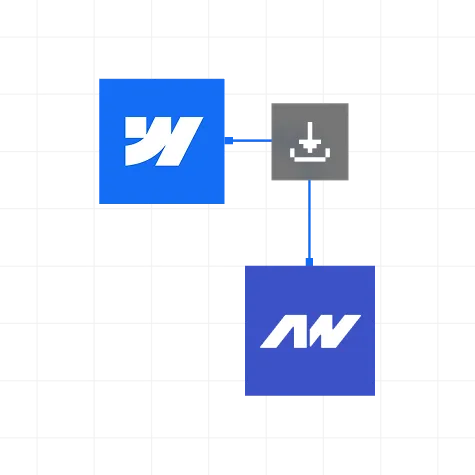
Install AltWrightr
Add AltWrightr from Webflow Apps & Integrations and authorize the sites you manage.
Scan your project
Scan Assets, CMS image fields, and Rich Text to find missing alt text.
Review suggestions
Review suggested alt text, edit where needed, and approve the changes.
Apply your fixes
Apply the approved updates and make your Webflow project more accessible.
WHY ALTWRIGHTR
Make Webflow accessibility easier to manage.
AltWrightr helps Webflow teams find missing alt text, review suggested descriptions, and fix accessibility gaps without the repetitive manual work.
Find missing alt text
Scan Assets, CMS, and Rich Text to quickly find missing alt text across your project.
Review Suggestions
Get useful alt text suggestions and review or edit before applying changes.
Fix issues at scale
Handle multiple missing alt text issues without checking images one by one.
Built for Webflow
Designed around real Webflow workflows to make accessibility cleanup simpler.
Got Questions?
Frequently asked questions
What is AltWrightr?
AltWrightr is a Webflow accessibility tool that helps you find and fix missing alt text across your website.
What does AltWrightr scan?
It scans Assets, CMS image fields, and Rich Text images to identify missing alt text.
Does AltWrightr suggest alt text?
Yes. AltWrightr provides suggested alt text that you can review and edit before applying.
Can I review suggestions before applying them?
Yes. You can review each suggestion, make changes where needed, and approve the final alt text before updating your site.
Can I fix multiple alt text issues at once?
Yes. AltWrightr includes bulk workflows that help you handle multiple missing alt text issues more efficiently.
Who is AltWrightr built for?
AltWrightr is built for Webflow developers, agencies, designers, marketers, and teams looking to improve website accessibility.