





Partnering with ambitious brands across the globe since 2018










WEBFLOW PRODUCTIVITY
Stop searching. Start sweeping.
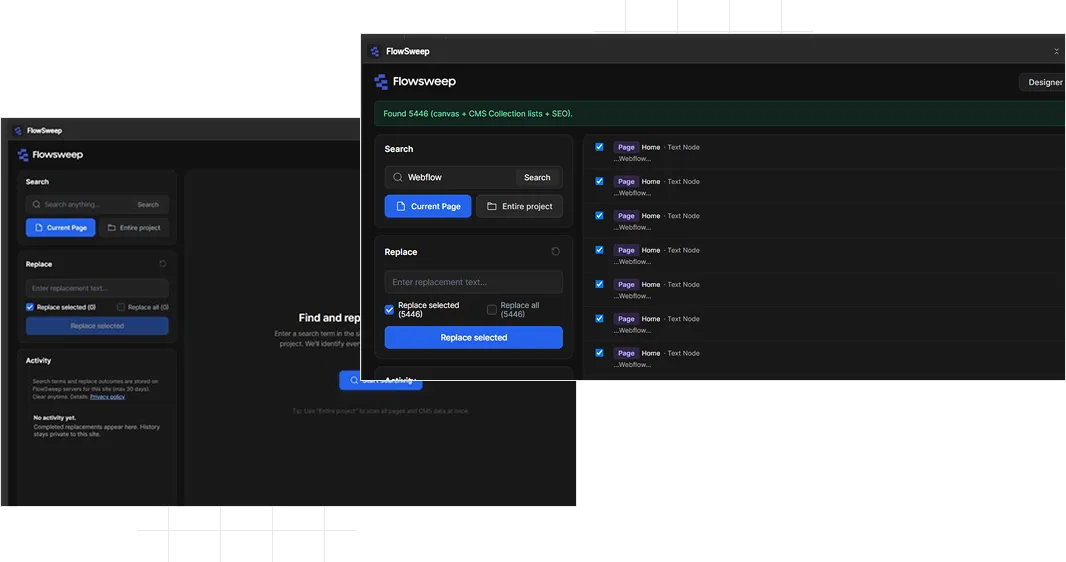
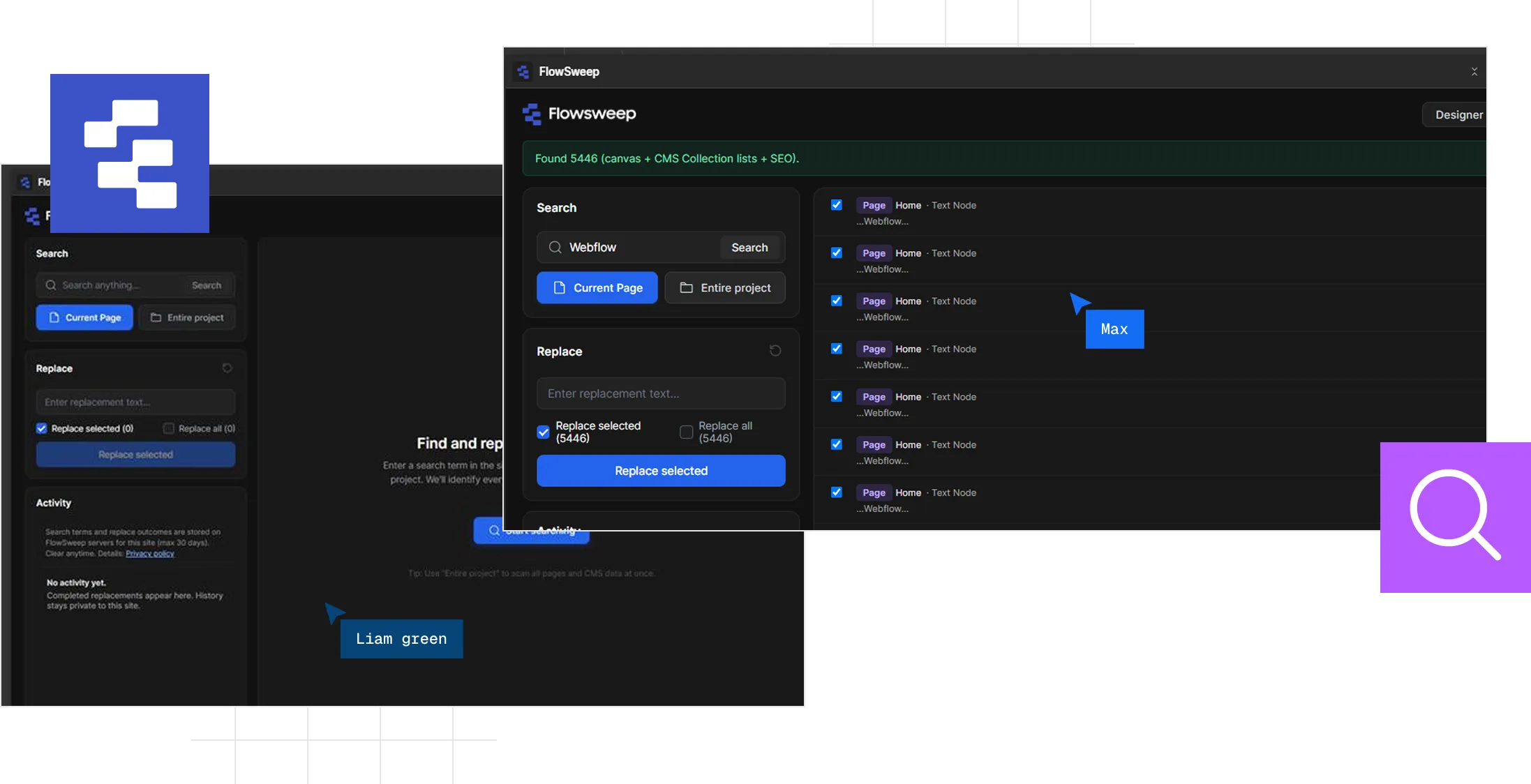
FlowSweep makes it easier to find and replace content across your Webflow project, saving you from repetitive manual updates and endless page-by-page searching.
How it works
Three steps from install to replace.
STEP 1
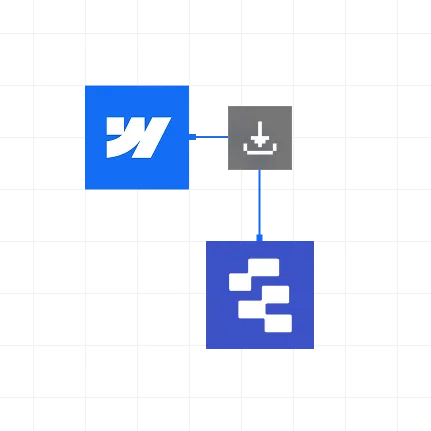
Install FlowSweep
Add it from Webflow Apps & Integrations and authorize the sites you manage.
STEP 2
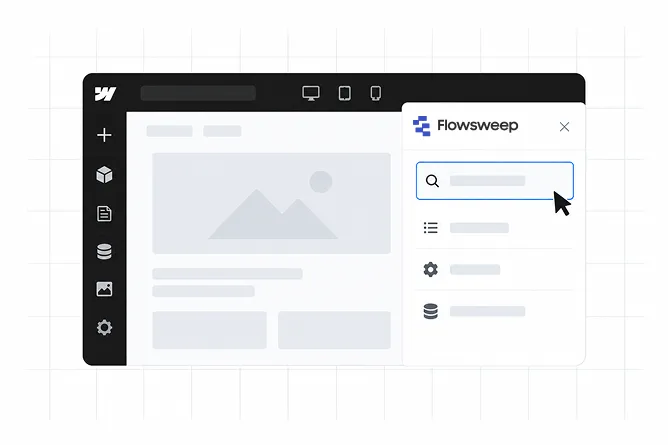
Open it in Designer
Press E, launch FlowSweep, and connect once for that site.
STEP 3
Search, preview, replace
Use Current Page for canvas text or Full Project for CMS and SEO.

Install FlowSweep
Add it from Webflow Apps & Integrations and authorize the sites you manage.
Open it in Designer
Press E, launch FlowSweep, and connect once for that site.
Search, preview, replace
Use Current Page for canvas text or Full Project for CMS and SEO.
Why Appsrow
Beyond Beautiful Websites, Built for Business Growth.
Most agencies build websites. We build high-performing Webflow experiences that combine strategy, design, and development to help businesses grow.
Search across your project
Find specific content without manually checking page after page.
Make changes faster
Replace multiple occurrences instead of repeating the same task.
Stay focused
Spend less time navigating your Webflow project and more time building.
Built for Webflow
Designed around the way Webflow teams actually manage websites.
Got Questions?
Frequently asked questions
What is FlowSweep?
FlowSweep is a Webflow productivity tool that helps you quickly find and replace content across your Webflow projects.
What can I search for with FlowSweep?
You can search for text and content across your Webflow project, making it easier to find specific content without checking pages manually.
Can FlowSweep search my entire Webflow project?
Yes. FlowSweep lets you search across your project, including content that may be spread across different pages and CMS content.
Can I preview results before replacing content?
Yes. You can review the matches before making changes, helping you confirm exactly what you want to update.
Can I replace multiple occurrences at once?
Yes. FlowSweep is designed to make bulk content updates faster, so you don't have to repeat the same change manually.
Is FlowSweep useful for client websites?
Absolutely. Agencies and Webflow professionals can use FlowSweep to handle repetitive content updates across client projects more efficiently.