

.png)
October 16, 2026
12 mins read
Source by Webflow: How AI Agents Are Changing Website Development and Marketing Operations

Explore appsrow with AI
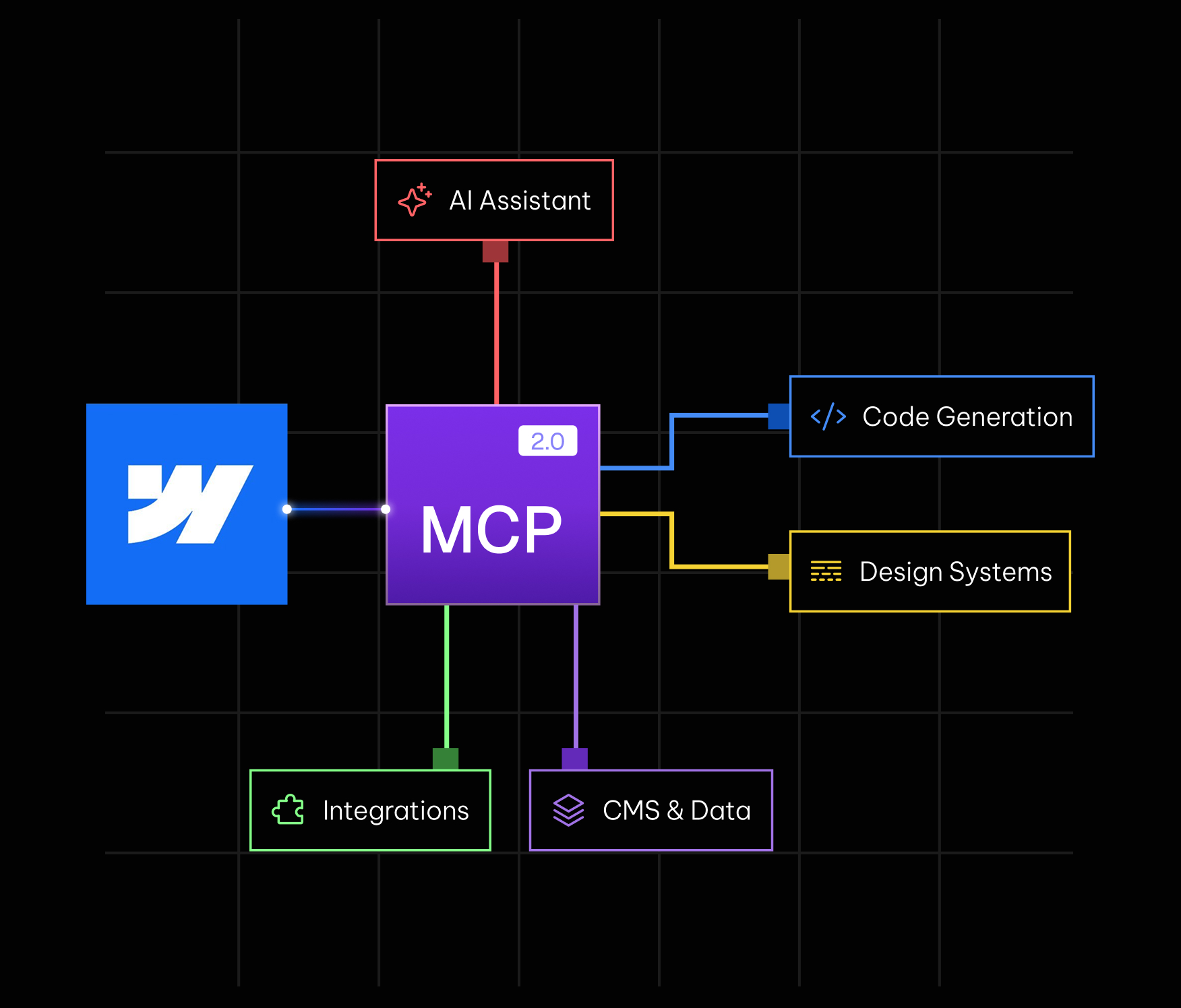
On July 21, 2026, Webflow rolled out MCP 2.0, the second major version of its Model Context Protocol integration. If you have not been following the AI tooling space closely, MCP is the connective layer that lets AI agents like Claude, ChatGPT, and Cursor talk to real software products instead of just generating text in a chat window. For Webflow, that means an agent can now open your actual site, read your real design system, and make changes inside your real project, not a mock-up of it.
The first version of Webflow's MCP was useful but limited. It handled basic tasks well, yet it leaned heavily on a separate bridge app for almost everything and gave agents fairly shallow access to design elements, CMS structure, and site data. MCP 2.0 changes that equation. It is a genuine step toward agents that can do production grade work inside a live site, with the context, permissions, and audit trail that production work actually requires.
In this guide, we will walk through what changed, why it matters for marketers, designers, and developers, and how teams can start using it without creating a governance headache. If your team is already investing in Webflow design and development, this update is worth understanding closely, since it directly affects how much of your build and maintenance workflow can be safely handed to an AI agent.
MCP stands for Model Context Protocol, an open standard that defines how AI models connect to external tools and data sources. Instead of every company building a custom, one-off integration for every AI assistant, MCP gives them a shared protocol. An agent that supports MCP can, in theory, plug into any product that exposes an MCP server, whether that is a project management tool, a CRM, or a website builder like Webflow.
For Webflow, this matters because more of its customers are already working inside AI powered workflows for research, copywriting, and planning. If the actual building and publishing step still requires switching out of that workflow and into the Webflow Designer by hand, a lot of the speed advantage of AI gets lost. Webflow's MCP server closes that gap, and tools like the Webflow Claude integration build directly on this protocol, letting agents read the state of a site, propose changes, and execute approved actions from inside a chat interface the marketer or developer is already using.
Webflow describes MCP 2.0 as giving agents the context, control, analytics, and governance needed for high impact work in production. That is a fair summary. The update is organized around four pillars, and each one solves a specific limitation that made the first version feel more like a demo than a daily tool.
The biggest practical change is that agents can now build using your existing design system rather than generic, disconnected elements. MCP 2.0 gives agents access to Webflow styles, elements, and components, including props, slots, and variants, so anything an agent creates is on brand and structured for long term maintenance instead of turning into a pile of one-off classes that someone has to clean up later. This is exactly why a strong Webflow design foundation matters more than ever, since an agent can only stay on brand if the components it is working with are already clean and well organized.
Agents can also connect elements and components directly to CMS data, so when content changes in the CMS, it updates everywhere that content appears on the site automatically. That is a meaningful jump from static, hardcoded output. On top of that, MCP 2.0 adds font management, letting agents register, upload, list, update, and delete custom fonts without a human digging through site settings.
Perhaps the most welcome change here is that the bridge app has been eliminated for most use cases. In MCP 1.0, nearly every action required a companion desktop app running in the background, which made multi page or multi site work clunky. Now agents can work across multiple pages or multiple sites at the same time without that bottleneck. The bridge app is still required for tasks that need live visual context, such as reading a screenshot or acting on a specific element the user is pointing at on screen, but that is now the exception rather than the rule.
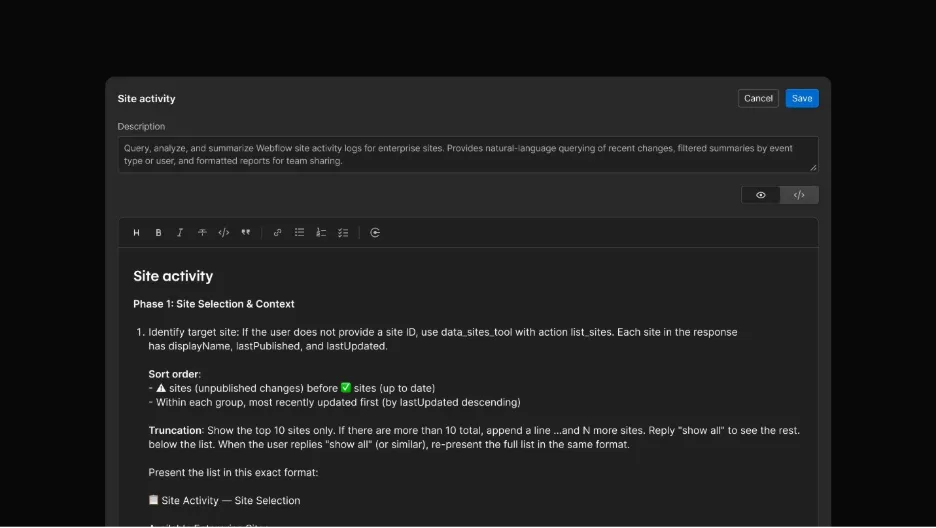
Agent Instructions is a new layer that lets teams centralize the context an agent needs before it starts working. Instead of re-explaining your brand voice or CMS structure in every single prompt, you can point agents at existing Webflow resources like your design system or CMS content, and also attach outside resources such as brand guidelines or legal copy requirements.
Beyond passive context, teams can define skills and rules that tell an agent exactly how to complete recurring tasks. Think of this as a lightweight playbook: how to structure a new landing page, what tone to use in CMS descriptions, or which components are approved for use on marketing pages. These instructions are not locked to Webflow's own AI either. Since they are exposed through MCP, third party agents connecting through Claude, ChatGPT, or Cursor can read and follow the same rules, which keeps output consistent no matter which AI tool a given team member prefers. Teams that rely on Webflow integrations to connect their CRM, analytics, or automation tools can extend these same rules across every connected workflow, not just the Webflow site itself.
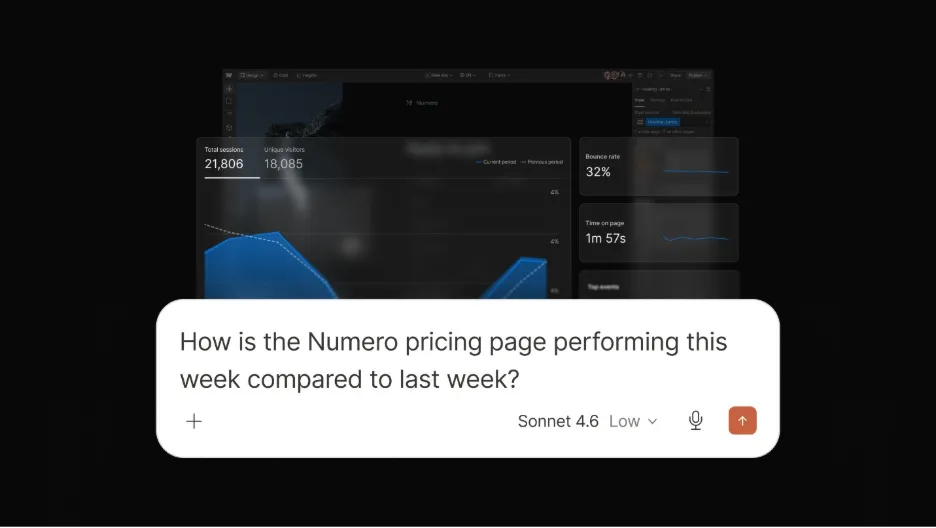
MCP 2.0 also opens up conversational access to site analytics. Instead of logging into a dashboard, a marketer can simply ask an agent about traffic trends, top performing pages, engagement events, or time on page, and get an answer inline, without leaving the chat. That alone removes a lot of friction from routine reporting.
The more interesting part is that this performance data can be shared with other MCP connectors in the same agentic workflow. For example, an agent could pull traffic data from Webflow, post a summary to Slack, and create a follow up task in Asana, all as part of one connected chain. For teams already relying on AEO and SEO services to track organic visibility, this creates a much shorter feedback loop between what changes on the site and what shows up in the numbers.
Governance is where MCP 2.0 grows up the most, and it is the piece that makes handing real access to an agent feel less risky. Agents can now build on branches, which means changes happen in an isolated, secure environment before anything gets pushed to the live site. That gives teams a review step, similar to how developers use pull requests, instead of letting an agent publish directly to production.
Access control has also been tightened. Webflow's MCP now fully enforces existing account roles and permissions, including custom roles, with granular control down to the site, CMS collection, page, and locale level. An agent working through MCP cannot do anything a human with that same login could not already do, which keeps the security model consistent across both human and AI activity.
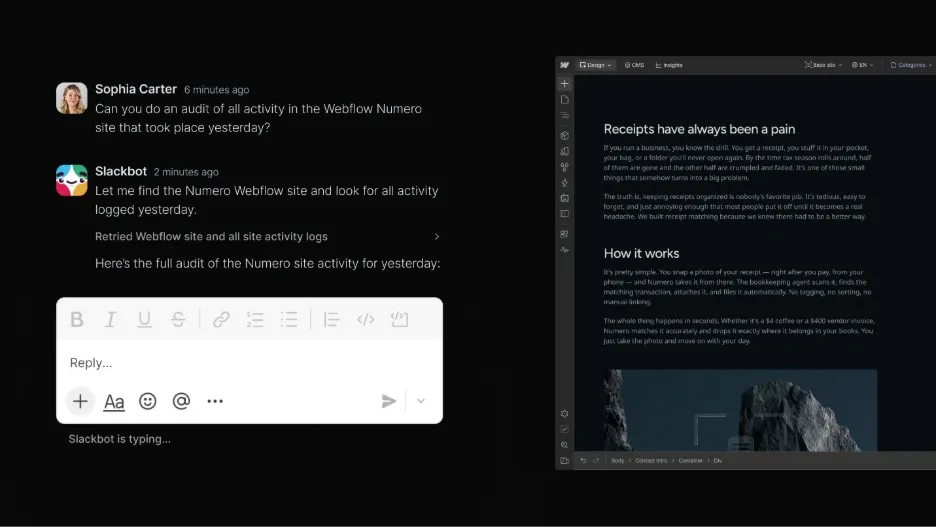
Every MCP action is also tracked in the site's activity logs. Teams can see exactly when a change was made through MCP, who triggered it, and what was affected, and they can query that activity log directly through MCP for faster, more scalable auditing. For any business running a client facing site or working with a Webflow maintenance partner, this kind of audit trail is what makes it realistic to let an agent touch production without losing visibility into who changed what.
For marketers, the practical benefit is speed on repetitive work. Updating CMS entries, adjusting metadata, or spinning up landing page variants can now happen through a conversation instead of a full trip through the Designer. Combined with conversational analytics, marketers get a much tighter loop between making a change and seeing whether it worked, which matters just as much for conversion rate optimization (CRO) work as it does for reporting.
For designers, the fact that agents now respect your actual design system is the difference between a helpful assistant and a liability. Earlier AI tooling had a habit of producing output that looked close enough but quietly broke your component structure. MCP 2.0's support for styles, components, props, slots, and variants means AI generated work is far more likely to stay consistent with your Webflow design standards instead of creating cleanup work later.
For developers and technical leads, governance is the headline. Role based permissions, branch based iteration, and full activity logging mean AI agents can be given real access without giving up control. That is the missing piece that has kept a lot of engineering teams cautious about letting agents touch production sites, and MCP 2.0 addresses it directly rather than treating it as an afterthought.
These features sound good on paper, but they matter most in day to day work. Based on patterns we have seen across our own case studies, here are the use cases where MCP 2.0 tends to save the most time.
MCP 2.0 is available to all Webflow users at no additional cost, so there is no separate plan to purchase. Existing users of Webflow's MCP simply get access to the expanded feature set automatically. New users can connect an agent, such as Claude, ChatGPT, or Cursor, to their Webflow account, then set up Agent Instructions to define context, skills, and rules before letting an agent start working on real pages.
A sensible rollout looks something like this: start by connecting one low risk site or a staging branch, define Agent Instructions around your brand voice and component library, run a handful of CMS or content tasks to see how the agent performs, then gradually expand permissions once you trust the output. Because MCP 2.0 fully respects your existing roles and permissions, you can control exactly how much access an agent has at every stage of that rollout.
MCP 2.0 removes a lot of friction, but it is not a reason to skip review entirely. The bridge app is still required for tasks that depend on live visual context, so fully hands off workflows are not universal yet. It is also worth remembering that an agent connected through MCP inherits whatever permissions its login has, so setting up custom roles correctly before connecting an agent matters more than ever.
Teams migrating from another CMS or planning a larger rebuild should also think about how MCP fits into that timeline. If you are still on WordPress, Shopify, or another platform, it is worth planning your migration to Webflow first, since MCP's design system and CMS features only pay off once your content and components are actually structured inside Webflow.
At Appsrow, we work with B2B and SaaS teams every day inside real Webflow projects, so updates like MCP 2.0 land directly in our day to day workflow. If your team wants to take advantage of Agent Instructions, expanded design and build support, or the new governance controls without breaking your existing brand system, that is exactly the kind of setup work we handle.
As a certified Webflow Premium Partner, we build sites with clean, reusable components from day one, which means an AI agent connected through MCP has a well structured system to work with instead of a messy one. Once a site is live, we help keep permissions, branches, and activity logs clean, so agent access stays safe as your team and your workflows grow.
We also help teams go further with AI directly, connecting Claude to a Webflow account through MCP for content operations and automation, and making sure the pages agents build are actually structured to get found and cited by AI search engines, not just fast to produce. The goal is not just to hand an agent access, but to make sure every page it touches is also working harder for your pipeline.
Webflow MCP 2.0 is not just an incremental update. It reflects a broader shift in how AI agents are expected to work: not as isolated chat tools that generate suggestions, but as connected collaborators that can read your real design system, respect your real permissions, and leave a real audit trail. The combination of expanded design and build support, Agent Instructions, conversational analytics, and governance is what finally makes it reasonable to let an agent touch a production Webflow site.
If your team is exploring how to build AI into your Webflow workflow, whether that means setting up Agent Instructions correctly, cleaning up a design system so agents behave predictably, or connecting Claude through MCP for content operations, that is exactly the kind of project we help clients with every day. You can find more breakdowns like this one on the Appsrow blog.
If your website isn't easy to understand, you're giving away opportunities
before the conversation even starts.
Get a free review of how your website appears to AI-powered search and discovery tools.
GOT QUESTIONS ?
Is Webflow MCP 2.0 free?
Yes. Webflow has made MCP 2.0 available to all users at no additional cost, regardless of plan.
Do I still need the bridge app?
Only for tasks that require live visual context, such as referencing a specific element currently on screen. Most design, CMS, and content tasks no longer require it.
Which AI tools work with Webflow MCP?
Webflow's MCP is designed to work with any MCP compatible agent, including Claude, ChatGPT, and Cursor, alongside Webflow's own AI features.
Can an agent publish changes directly to my live site?
Agents can work on branches first, which keeps changes isolated until a human reviews and approves them before anything goes live. Combined with role based permissions, this gives teams a safe way to let agents work in production.
Does MCP 2.0 replace the need for a Webflow developer or agency?
Not really. MCP 2.0 speeds up execution, but decisions about strategy, brand, information architecture, and conversion still benefit from experienced human judgment, especially on complex B2B and SaaS builds.

Sandeepsingh Sisodiya is the CEO of Appsrow and a Webflow leader in Ahmedabad, India. He focuses on SaaS growth, digital transformation, and building high-converting website strategies.
CURATED READING
.png)
.png)